
Stock signals without a check owner
Low-stock alerts appear, but the physical count or replenishment decision never becomes assigned work.
Inventory & merchandising
Stock checks, receiving, replenishment, and catalog changes become assigned operational tasks attached to products — so accuracy does not depend on who remembered the sheet.
Threshold alerts, receiving batches, and catalog mismatches create work that still needs a person to verify, count, QA, or update the product — and that work is easy to defer when the floor is busy.
Low-stock alerts appear, but the physical count or replenishment decision never becomes assigned work.
Goods land, yet QA, putaway confirmation, or catalog updates stall without a named owner.
Product changes live in a note or sheet while the live catalog stays wrong for customers and ads.
Operational consequence: Sell-through, oversell risk, and merchandising accuracy suffer when nobody owns the next check or the catalog update that should have followed receiving.
Low stock, receiving batch, replenishment need, QA flag, or catalog change requirement.
A person verifies stock, completes receiving follow-up, or owns the merchandising change — linked to the product.
The task closes when the count, putaway, or catalog update is done — with history retained.
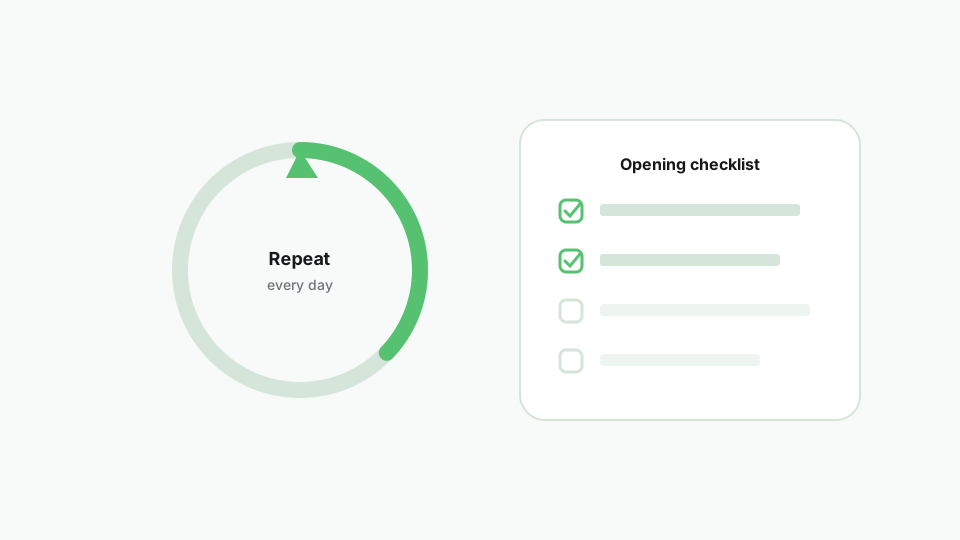
Use checklists and templates for receiving and hygiene routines that should not rely on habit alone.
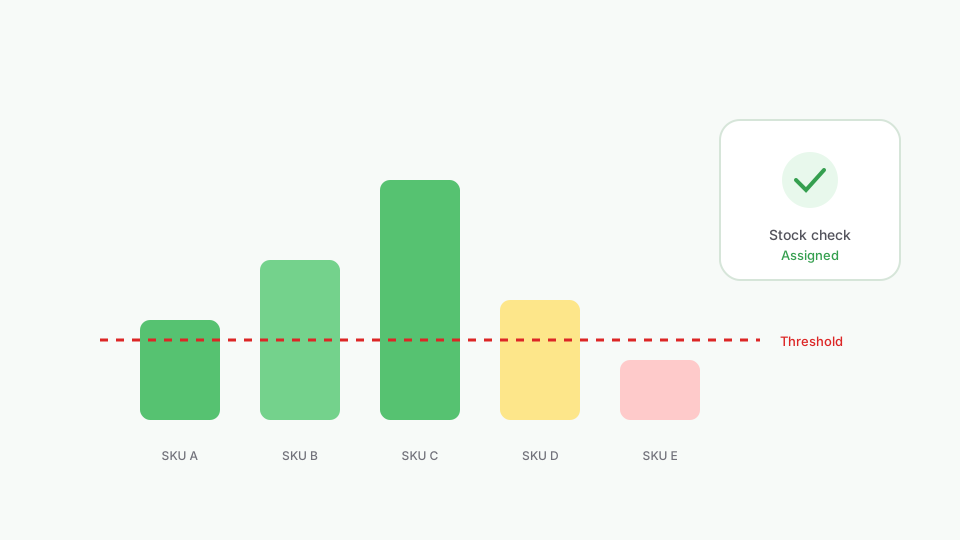
Stock verification and replenishment decisions have owners and due dates.
QA, putaway, and catalog follow-ups are part of the same operational close-out.
Product updates are tracked to completion instead of deferred indefinitely.
Recurring inventory hygiene stops depending on who remembers the spreadsheet.
Work stays attached to orders, products, and customers.
Trigger ShopTasks work from Shopify Flow so store events become assigned human follow-through.
Ask about overdue, blocked, or unowned work and open tasks without leaving Shopify.
Notify owners when work is assigned, due, or updated.
Send task and board notifications to Slack channels.
“Great app! We were looking for an app to manage order workflow tasks across our staff and wanted something that integrated natively with Shopify on the backend. ShopTasks delivered and the level of customization was quite appealing.”
Up to 500 active tasks (not Done or Cancelled), unlimited staff, and unlimited boards. Need more active-task capacity? Contact us.
Yes. Product-linked tasks keep stock checks, receiving follow-ups, and catalog updates attached to the right record.
Use checklists and task templates so receiving, QA, and hygiene routines run with named owners each time — not as optional habit.
Yes. Automation policies can create tasks from store events so repeat inventory patterns do not depend on someone noticing an alert.
No. It manages the human operational work — counts, QA, replenishment decisions, and catalog updates — that still needs owners.
Up to 500 active tasks, unlimited staff, and unlimited boards. Contact us if you need a higher active-task limit.