
Mentions replace ownership
Someone tags a colleague in Slack about a held order. By afternoon, nobody is sure who owns the next step — or whether it was done.
Shopify task management
ShopTasks turns order exceptions, warehouse follow-ups, and recurring procedures into assigned tasks linked to Shopify records — so your team stops relying on Slack threads and shared sheets.
Most Shopify teams still assign follow-ups in Slack, email, or a spreadsheet someone maintains after hours. Work gets mentioned, then lost — especially when exceptions stack up during a busy week.
Someone tags a colleague in Slack about a held order. By afternoon, nobody is sure who owns the next step — or whether it was done.
Notes scatter across threads and sheets while the Shopify order, product, or customer page stays silent about what still needs to happen.
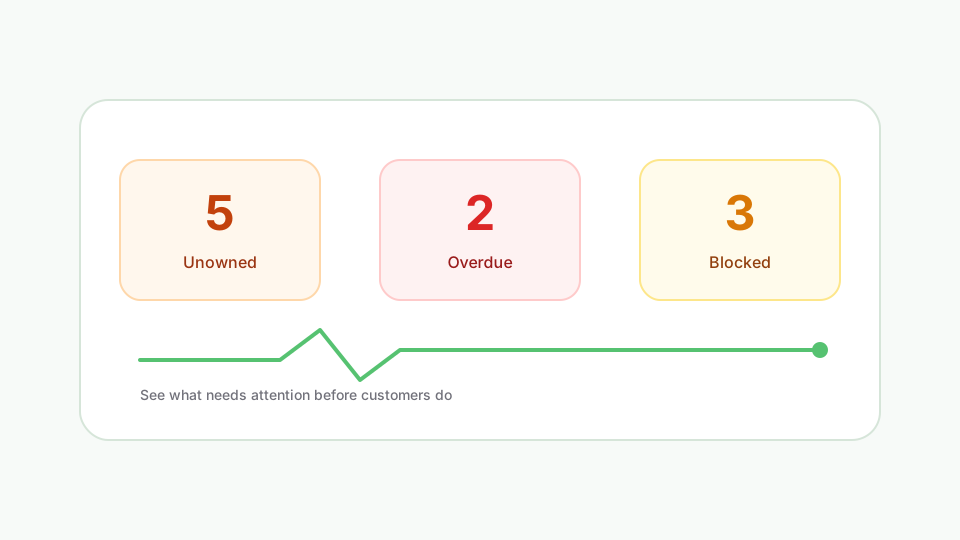
Managers hunt across channels and tabs instead of seeing unowned, overdue, and blocked operational tasks in one system.
Operational consequence: Orders stall, customers wait, and managers only discover problems after they become complaints or missed ship dates.
Create a task from a store event, order exception, inventory check, or recurring procedure — with the Shopify record attached.
Give it a named owner and due date so the follow-up cannot hide in a channel or spreadsheet row.
Link the task to the order, product, or customer so the next person does not rebuild the story from scratch.
Surface unowned, overdue, and blocked work — then close with history retained for the team.
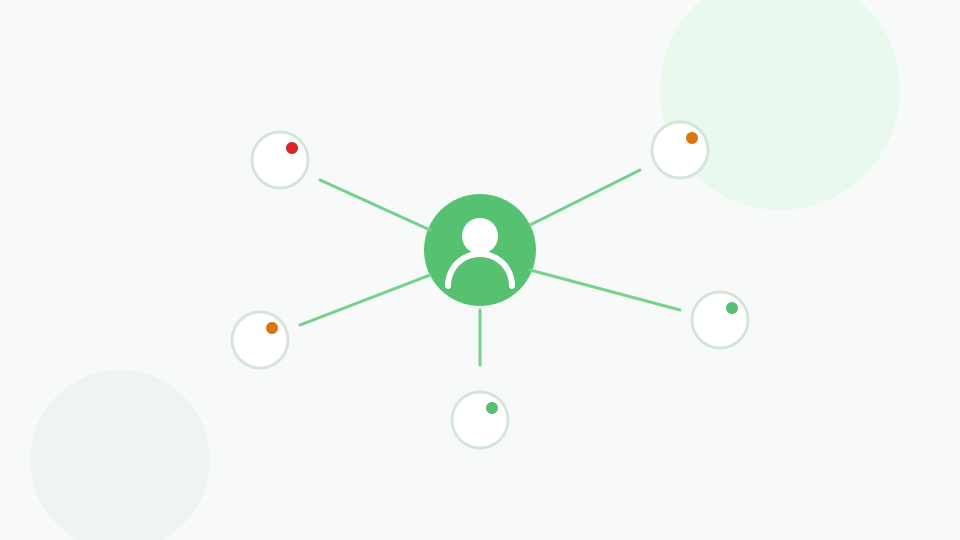
Operational work has a named person and due date instead of living only as a chat mention.
Shopify context and comments travel with the task, so the next owner starts productive immediately.
Unowned and overdue work surfaces before customers escalate.
Completed work leaves history — not a forgotten thread or overwritten spreadsheet cell.
Work stays attached to orders, products, and customers.
Trigger ShopTasks work from Shopify Flow so store events become assigned human follow-through.
Ask about overdue, blocked, or unowned work and open tasks without leaving Shopify.
Notify owners when work is assigned, due, or updated.
Send task and board notifications to Slack channels.
“Great app! We were looking for an app to manage order workflow tasks across our staff and wanted something that integrated natively with Shopify on the backend. ShopTasks delivered and the level of customization was quite appealing.”
Up to 500 active tasks (not Done or Cancelled), unlimited staff, and unlimited boards. Need more active-task capacity? Contact us.
No. It is built for Shopify store operations — order exceptions, fulfilment follow-ups, inventory work, customer escalations, and recurring store procedures.
No. Slack remains useful for conversation. ShopTasks holds ownership, deadlines, and Shopify context so operational work does not live only in chat.
Spreadsheets do not attach work to Shopify orders, products, or customers, and they rarely make overdue or unowned work obvious. ShopTasks keeps the record next to the store data that matters.
ShopTasks runs inside Shopify admin so your team can manage operational tasks without leaving the tools they already use for the store.
Yes. Shopify Flow can trigger ShopTasks work from store events. Sidekick can surface overdue, blocked, or unowned tasks and open them in ShopTasks. Email and Slack notify owners.
ShopTasks is free to install. The free plan includes up to 500 active tasks (not Done or Cancelled), unlimited staff, and unlimited boards. Need more active-task capacity? Contact us.